CRM for Solo Landscapers: When Notes and Texts Are Not Enough
A solo landscaper does not need a large system. Keep the quote, the visit, and the invoice on one trail, and leave a time clock until someone else is on it.
By Verdis4 min read

You sell the job, you do the job, and you send the bill. Notes and texts can hold that for a while. They stop being a system when the next quote has no date, the gate code is buried in yesterday's thread, and the invoice waits until you are home. This page is for that week. It is not the definition of a landscaping CRM, and it is not the scorecard for leaving a spreadsheet. Those guides are already written.
See what a landscaping CRM is for
Decide whether the spreadsheet is still the system
Where a one-person week breaks
The break is small, and it repeats. You priced the job in the driveway and the number lives in a text. You did the work. The invoice is still a blank page because the quote, the visit, and the price are not in the same place. The quote you meant to send tonight is now a list with no next date. None of that needs a second truck. It needs the trail to stay intact while you are the only person holding it.
The solo stack
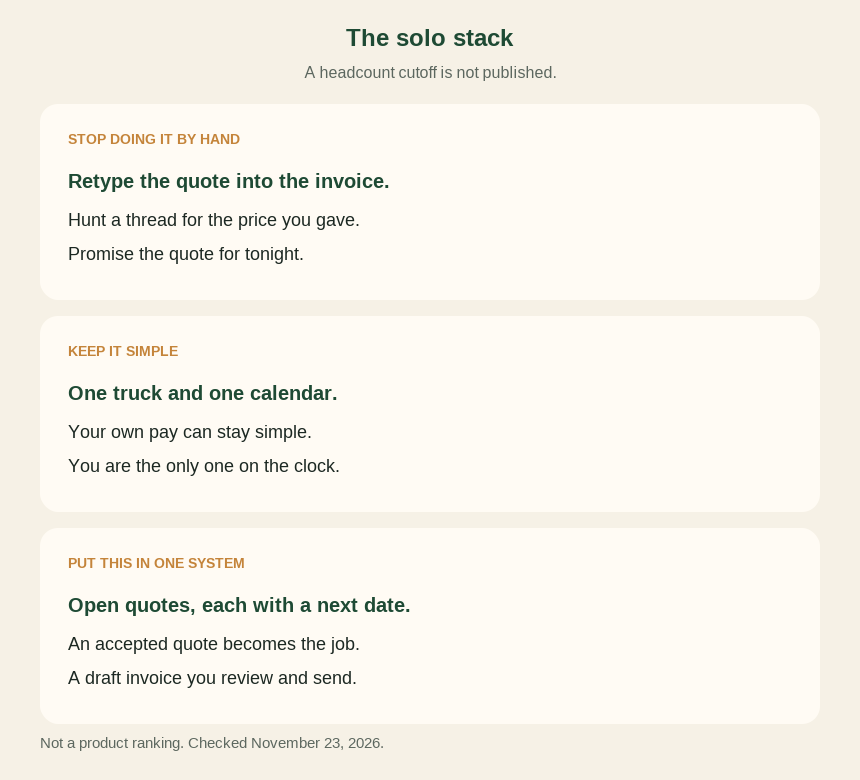
Three groups, and only the third one is software. A headcount that means a solo landscaper must buy a system is not published. A one-truck company with a careful notebook can still be fine. The graphic is the split between habits to drop, things that can stay plain, and the three records that should live together.
Stop doing it by hand
Stop retyping an accepted quote into a new invoice. Stop searching a thread for a price you already gave. Stop leaving a quote with no next date and calling that a plan. Those three are the admin that takes the hour you would have used to walk the next property.
Keep it simple
One truck and one calendar can stay. While you are the only person on the clock, your own pay does not need a time clock. A rain day can stay a written note until the week is too full to remember which jobs slide. The business plan template is a place to write services, costs, and capacity in your own words. It is a working draft. It is not a loan package, and a lender will still ask for the statements they want.
Draft the plan in your own words
Put these three in one place first
Open quotes, each with a next date. An accepted quote that becomes the job without retyping the lines. A draft invoice you review and send before you leave. That is the early system. If you want a dollar picture of the hours you spend hunting, put your own numbers in the ROI calculator. This page will not guess them.
Run the ROI calculator with your numbers
What the software has to do while you are solo
It has to keep the customer and the property with the quote, the visit, and the invoice. You should be able to see which quotes are still open without opening sent messages. The gate code should not exist only in your head. Sending the invoice stays a decision you make. It is not something that happens because the mower is back on the trailer.
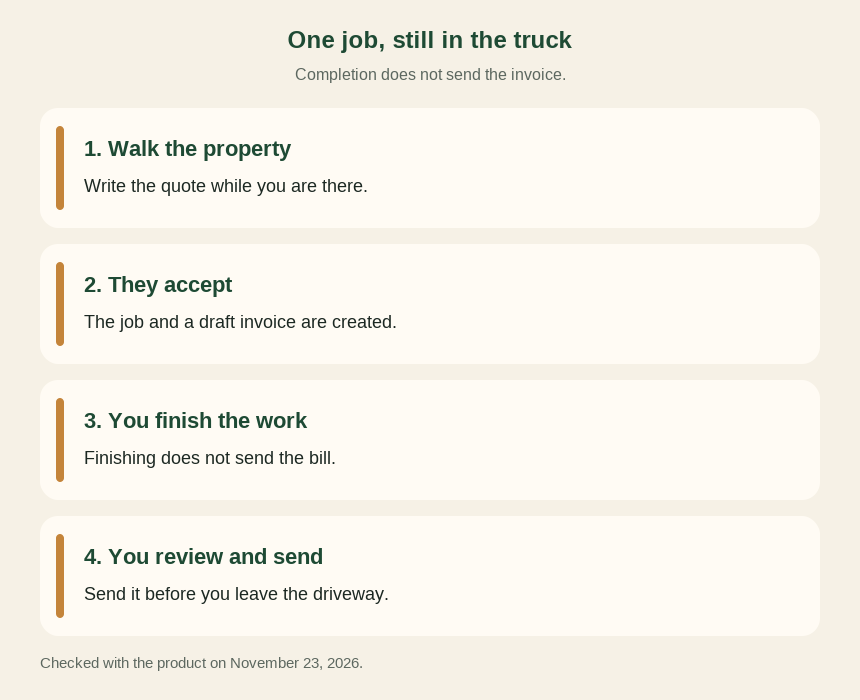
Verdis keeps that trail. When a client accepts a one-time quote, Verdis creates a job and a draft invoice. You review the draft and choose Send by Email or Send by Text. Completing the visit does not send the invoice and does not charge a card. One-time job scheduling is on every plan. Seed includes quotes, one-time jobs, and invoices. Recurring service plans are not on Seed. They are on Growth and Canopy. You do not need a crew to choose Growth. A solo owner whose yards repeat each week may want a service plan. Someone who sells one-time work does not.
Choose the plan by the work, not the headcount
What can wait
The next graphic is four situations. It is not a headcount. A cutoff for any of these situations is not published. Read the row that matches the week you are actually in.
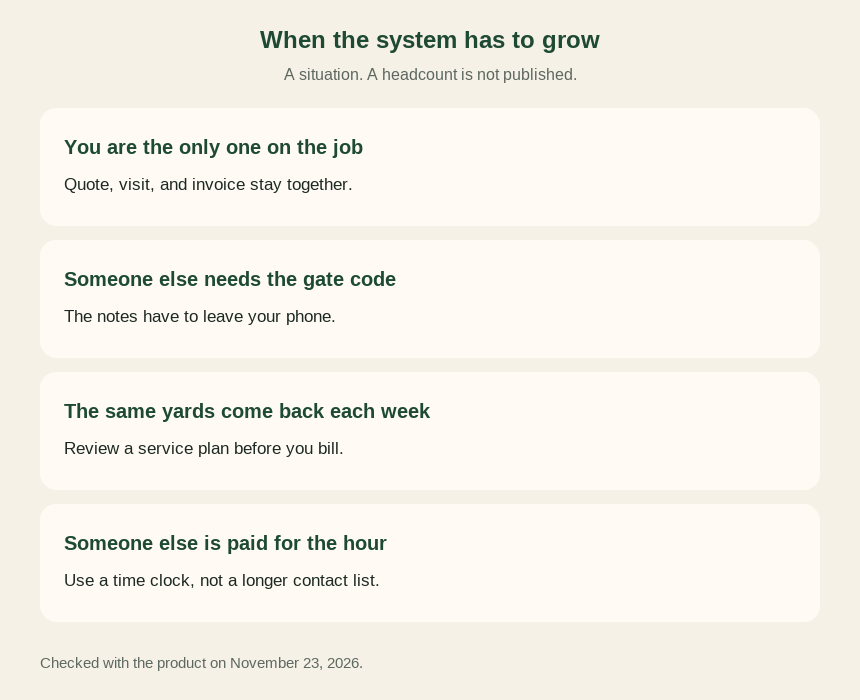
While you are the only one on the job, the quote, the visit, and the invoice are the system. When someone else needs the gate code, the notes have to leave your phone. When the same yards come back each week, review the service plan in Billing. Do not assume a finished visit sends a bill. When someone else is paid for the hour, Groundwork is the piece that adds the time clock and staff workflows, and it is on Growth and Canopy. You do not need it while you are the only person on the clock.
The QuickBooks Online connection is a pilot. You can connect a company and preview invoices. Automatic sync is not live, so the export for a bookkeeper is still the ordinary path.
Buy the trail you will use this month. Leave the rest until the situation in the graphic is actually yours.