For the owner running the work
Landscaping customer management.Pick up where the last job left off.
Find the customer, check the property and see the work already connected to them. Give the next quote or job a useful starting point instead of searching old messages for the details.
14 days free. Card required. No charge until your trial ends. Cancel before billing begins.
Seed from $69/month after the trial. See pricing.
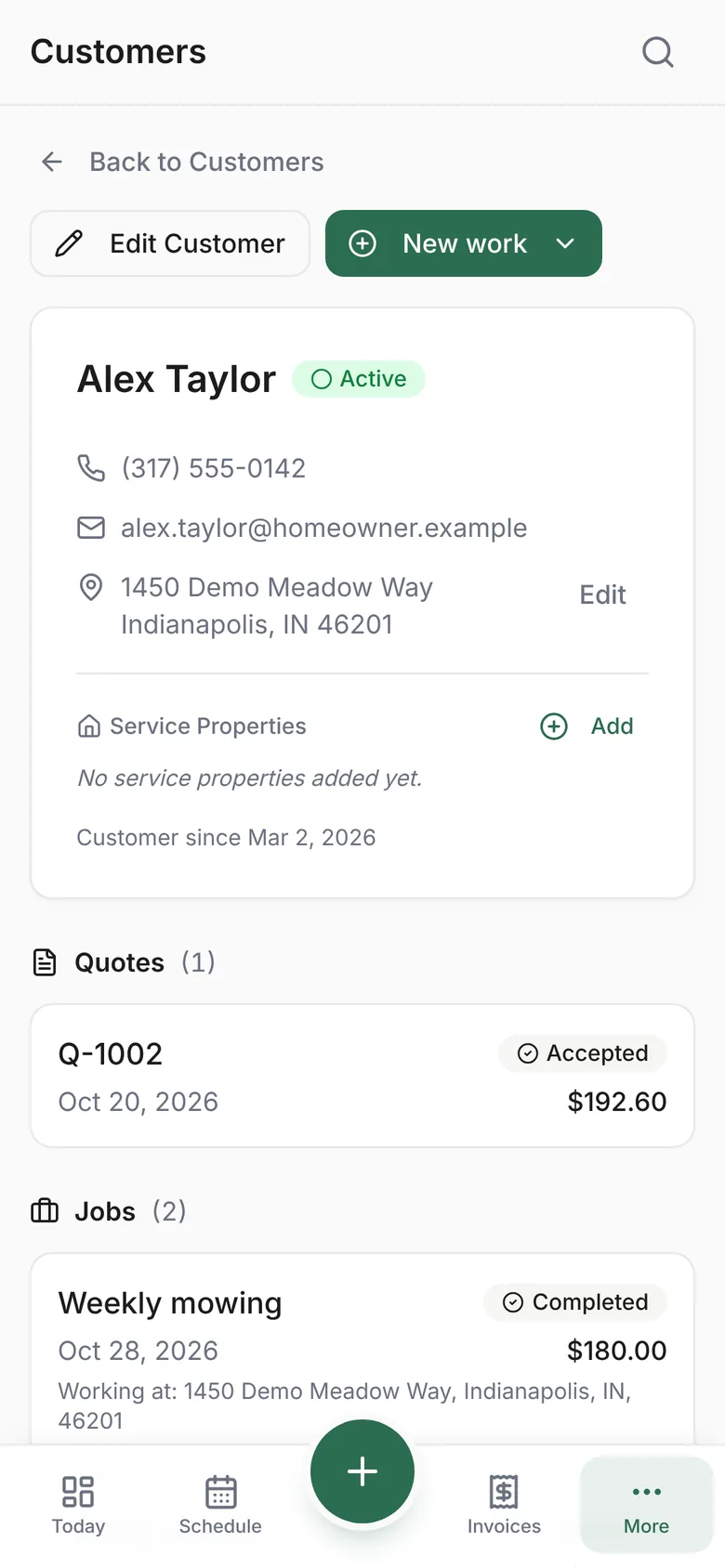
Search and customer records in the actual app, using fictional example data. Keep personal access information out of public screenshots.
- Keep customer and work details connected
- TurfTrace measurement on every plan
- Help by email or a scheduled call
A familiar job. A practical example.
A repeat customer calls about another job.
Before preparing a price, check who the work is for and which property needs attention.
- 01
Find the record
Search for the customer and confirm their contact details and service address.
- 02
Check the context
Review the property notes and connected work before deciding what to quote or schedule.
- 03
Start the next work
Choose the right kind of work from the customer context, then review the details before sending anything.
Customer context supports the next decision. The owner still checks the scope, price, schedule and billing actions.
A customer record should lead somewhere useful.
The CRM connects customer context to quotes, jobs and invoices. Use the broader CRM page to see the operational workflow, or start the product tour with one customer and a familiar job.
See the full CRM workflow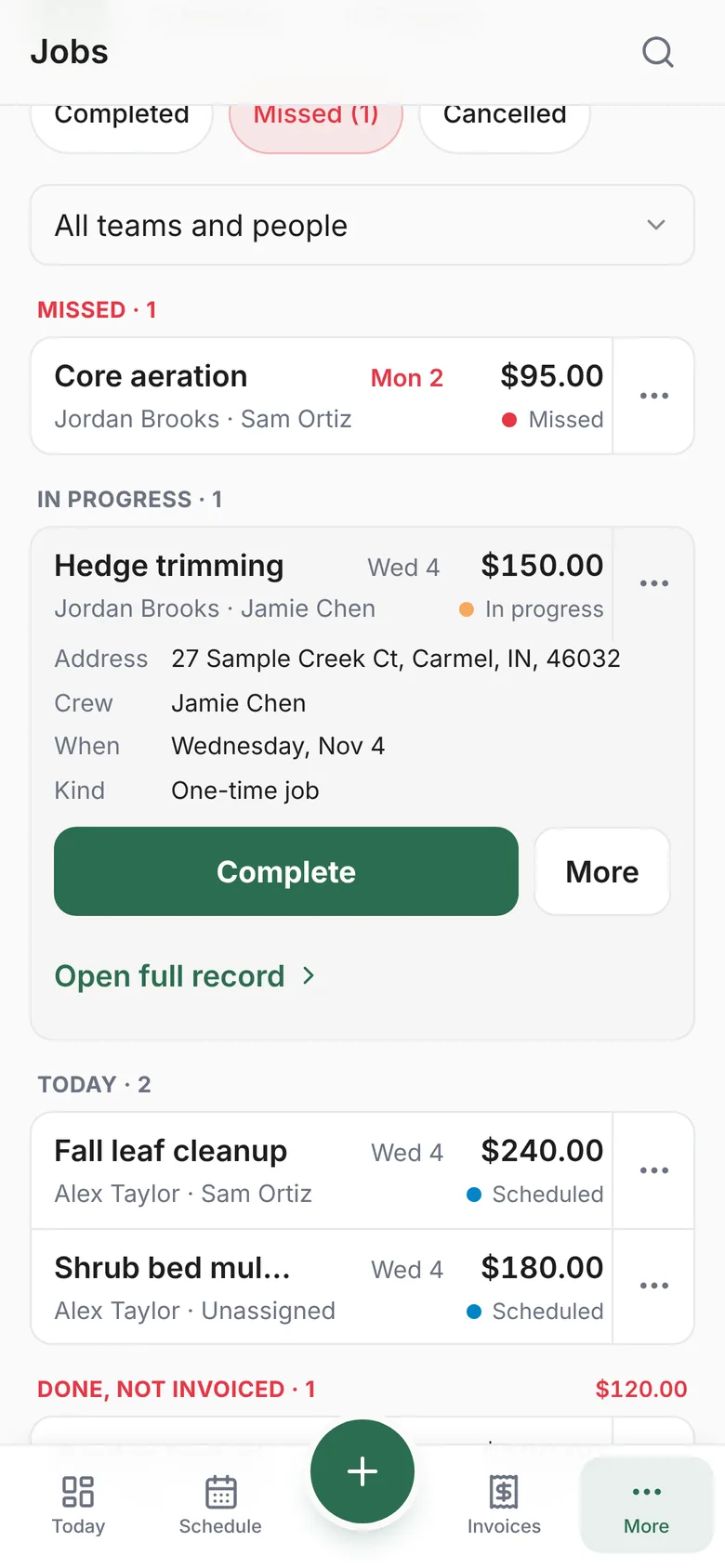
Choose by the work you run
Start with one customer.
See whether it fits.
Customer management is included on Seed, with up to 50 customers. Check Growth and Canopy for larger customer lists and additional recurring or crew workflows.
See full plans and limitsSeed$69/month
Customers, quotes, one-time jobs and invoices. Up to 50 customers.
Annual: $703.80 billed yearly ($58.65/month equivalent). Save 15%.
Growth$129/month
Add recurring service plans, coordinate your crew and check your margins.
Annual: $1,315.80 billed yearly ($109.65/month equivalent). Save 15%.
Canopy: custom pricing. Check messaging allowances, overages and applicable payment fees on the pricing page. A card is required for the 14-day trial. Service plans are included on Growth and Canopy. We'll help you set up your first one.
A few things worth knowing.
Is customer management the same as a landscaping CRM?
Customer management focuses on records, addresses and history. A landscaping CRM also connects that context to quoting, jobs and invoices. This page focuses on the records you need before starting work.
Do I need to import every customer before trying it?
No. Add one customer you already know and one upcoming job. Keep your existing process while you decide what to move over.
Is this a marketing automation system?
The workflow here is customer and property context for real work. Do not assume it includes automated email campaigns, lead scoring or every marketing integration.
What happens when I start the trial?
Enter your business name and email, choose a plan, then create your account with Google or email and complete verification when required. Add a card at checkout to start your 14-day trial. Your chosen plan begins billing after the trial unless you cancel. Manage your subscription through Settings → Billing → Manage subscription.
Do I need to move all my customers over?
No. Keep your current process running while you try Verdis with one customer and one upcoming one-time job. Once you’re comfortable, decide which customers and work to add next.
Field notes for owners
Related reading.
Customer Retention4 min read
Renew Your Lawn Care Customers Before They Shop Around
Most owners wait until March to ask customers back. By then the door hangers have had all winter. Here is how to renew next season's work while this season is still fresh.
Quoting2 min read
How to Write a Landscaping Quote Customers Say Yes To
Measure the lawn first, itemize the work, name what is excluded, and make the next step obvious. A practical quoting process for landscapers.
Contracts & Recurring Revenue5 min read
Why Recurring Service Agreements Are the Most Valuable Asset in Your Landscaping Business
One-off jobs pay the bills. Recurring service agreements are what actually make a landscaping business worth building — here's how to get more of them.
Support
Help comes from a person, on every plan.
Need a hand with your first quote, a service plan, or getting your crew set up? Get personal help by email or a scheduled phone or video call. Every plan includes a real person to turn to.
Growth and Canopy add priority support; Canopy adds hands-on migration and direct founder support.
Try it with work you know
One customer. One upcoming job.
Your decision.
Keep your current process while you try Verdis. Check the details, follow the next step and decide what to move over.
14 days free. Card required. No charge until your trial ends. Cancel before billing begins.