Best Apps for Running a Landscaping Business in 2026
Running your landscaping business from a stack of apps that don't talk to each other? Here's what software you actually need — and why all-in-one beats piecing it together.
By Verdis Team5 min read
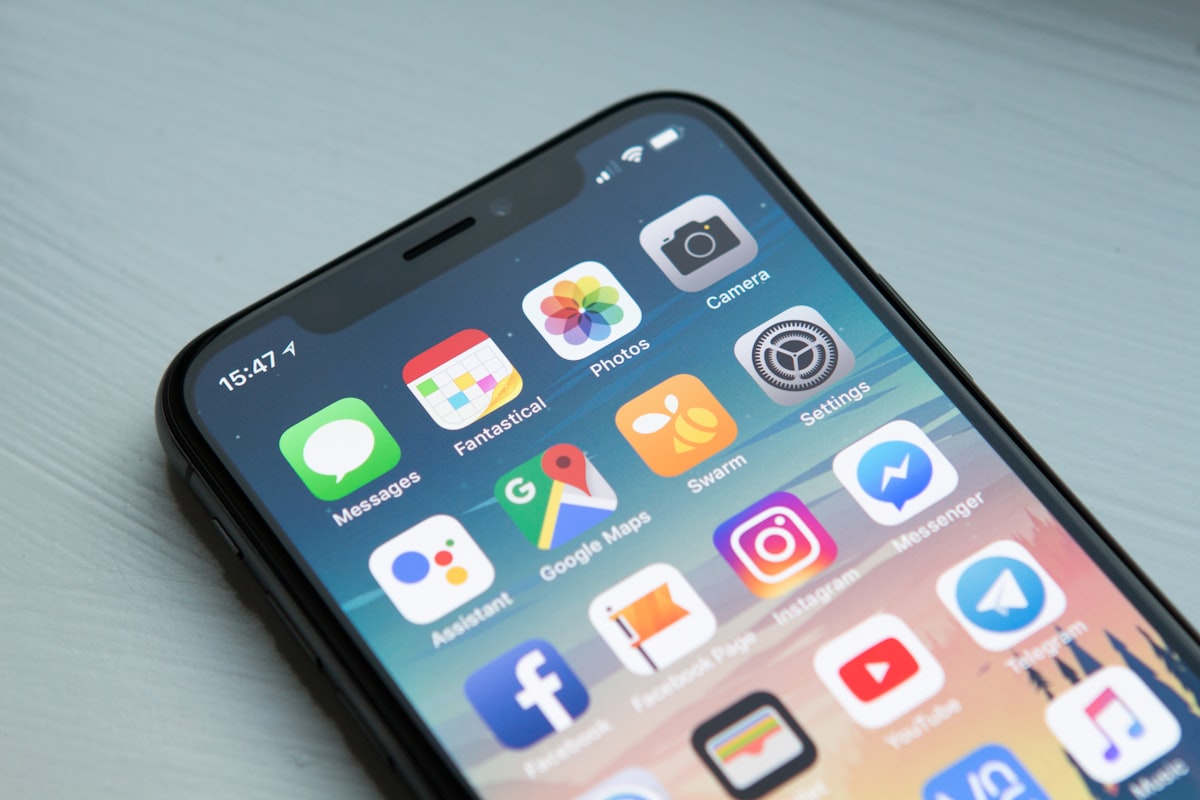
Most landscaping business owners run their company from a collection of apps that were never designed to work together: a shared Google Calendar for scheduling, a spreadsheet for tracking jobs, QuickBooks for invoices, Venmo for payments, and a group text thread for the crew. The problem isn't that any of these tools are bad in isolation — it's that you, the owner, become the integration layer between all of them. Every evening you're copying data from one place to another.
The landscaping companies that grow past $250K in revenue almost always make the same shift at some point: they stop piecing together generic tools and start running on software built specifically for service businesses. Here's a breakdown of the tools worth paying for — and what to look for in each.
1. A Quoting Tool You Can Use From the Driveway
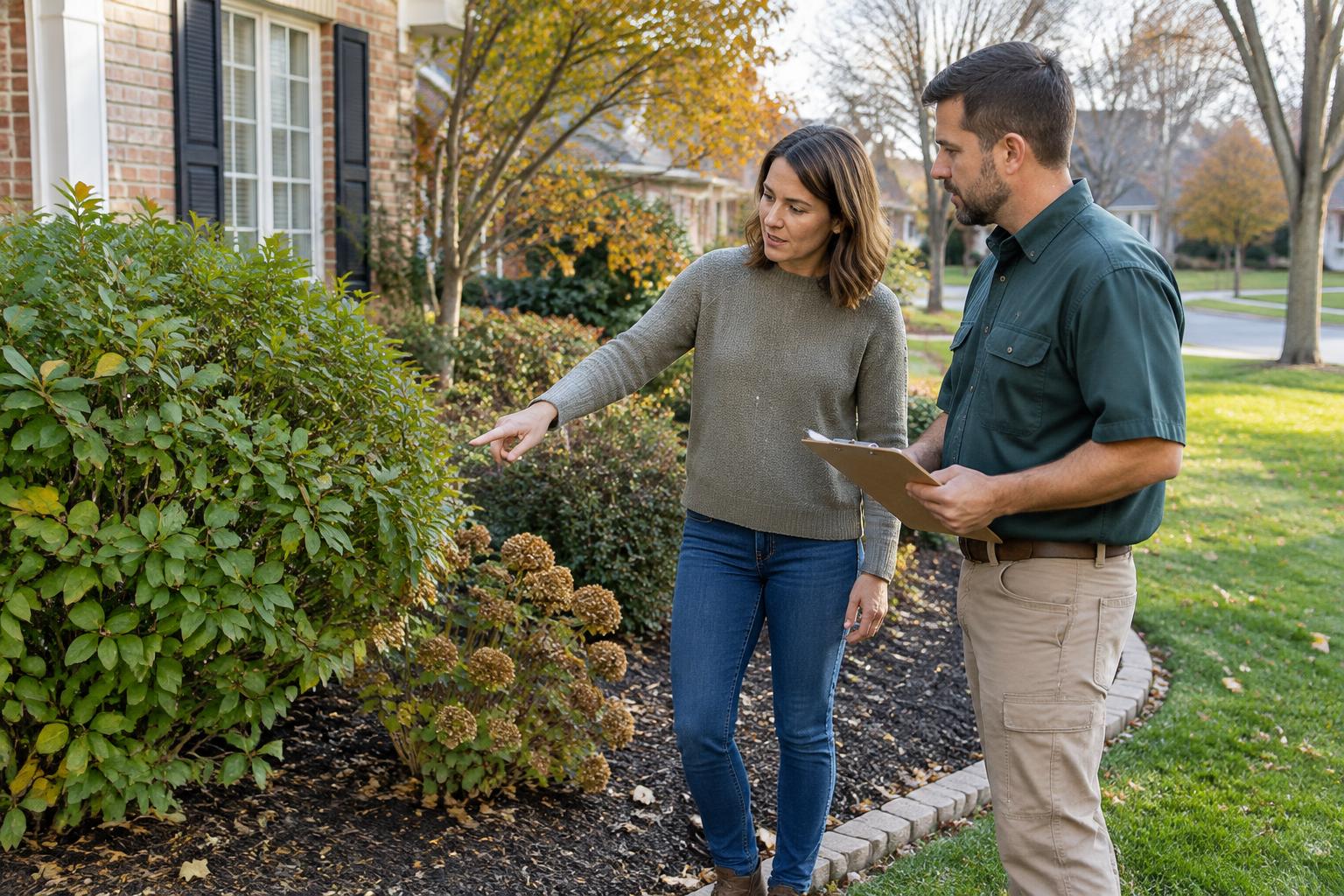
The fastest way to win more landscaping jobs is to send a quote before you leave the customer's property. When a homeowner gets a professional, itemized estimate in their inbox while you're still standing at the door, close rates jump. When the quote arrives three days later by text, you're competing against two other estimates they've already received.
A good quoting tool for landscaping lets you build a quote from a service menu on your phone, attach photos from the walkthrough, apply your pricing automatically, and send a branded PDF or estimate link in under two minutes.
Action: If your current quoting process takes more than five minutes per job, it's costing you business. Verdis lets you build and send a professional quote in under 60 seconds from your phone — no laptop, no copy-paste, no back-and-forth.
2. Crew Scheduling Software With Visual Route Management
Generic calendar apps don't understand that your crew has a truck that can only be in one place, or that two jobs in opposite neighborhoods on the same morning are burning 45 minutes of unbillable drive time. Landscaping-specific scheduling software shows you your week at a glance, lets you drag and drop jobs, and flags when routes are inefficient.
What separates good crew scheduling software from a standard calendar: drag-and-drop job assignment, color-coded crew views, a route map that shows your stops in order, and real-time status updates when crews mark jobs complete in the field.
Action: Test any scheduling app by asking this: can a crew member see today's full route — in order, with job details and address — from their phone without calling you? If the answer is no, the app isn't actually helping your field operations.
3. Invoicing That Fires the Moment a Job Is Marked Complete
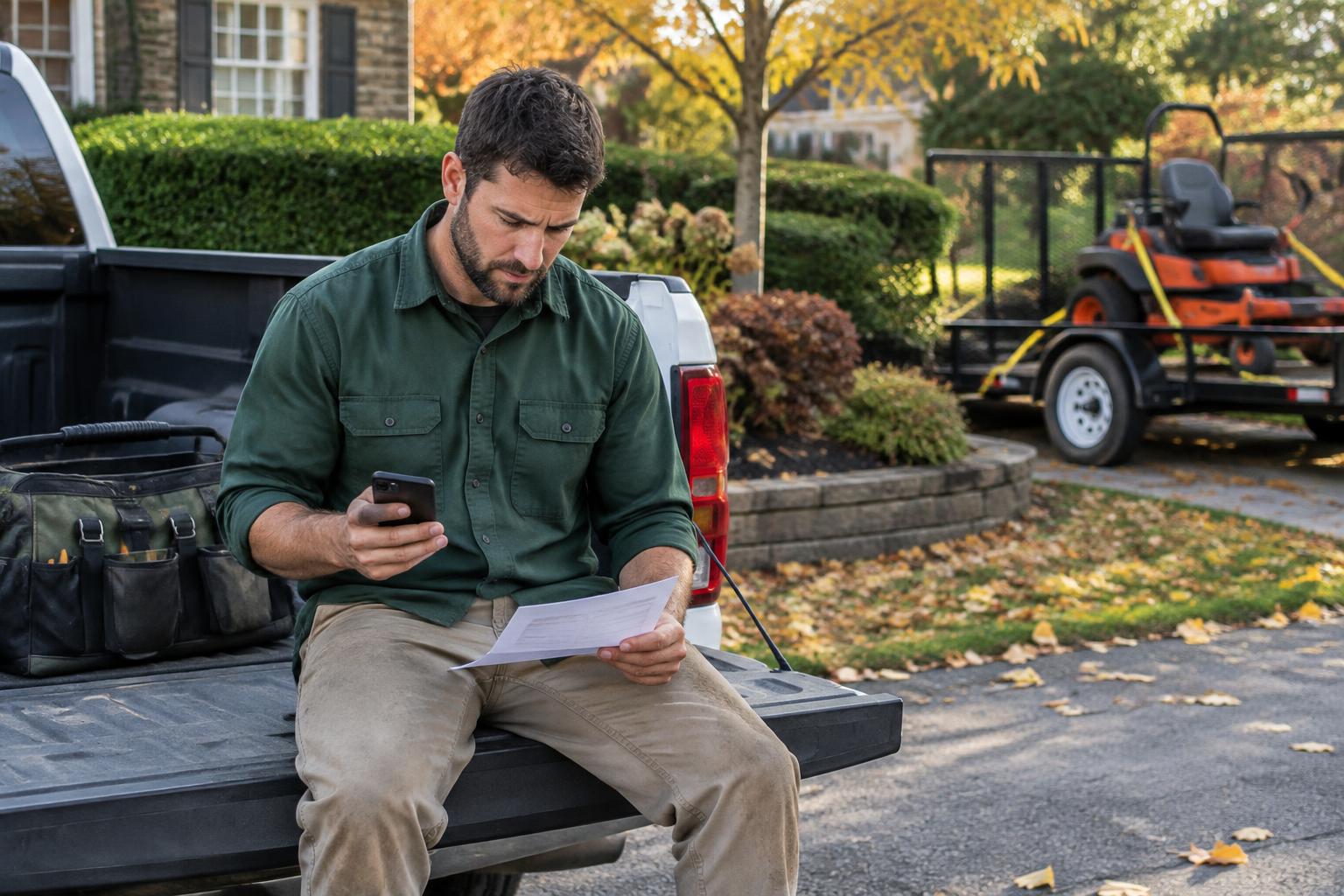
Manual invoicing is one of the most common ways landscaping businesses leak revenue without realizing it. When invoicing depends on the owner remembering to send it — at the end of the day, at the end of the week, whenever there's time — jobs fall through the cracks, billing gets delayed, and cash flow suffers.
The right invoicing tool for a landscaping business sends invoices automatically when a job status changes to complete, includes a direct online payment link, sends automated reminders at 3, 7, and 14 days overdue, and tracks your total outstanding balance without you doing anything.
Action: Count how many invoices you sent last month and how many went out within 24 hours of job completion. If less than 80% hit that benchmark, you have an invoicing bottleneck — and that's a revenue problem, not just an admin problem.
4. A CRM That Tracks Customer History, Not Just Contact Info
A CRM for landscaping isn't a contact list. It's a tool that tells you every job a customer has had, what they paid, when they last had service, which invoices are outstanding, and whether they've ever raised a concern. That context is the difference between a generic service call and a conversation that makes the customer feel like you actually know them.
Most landscaping companies that have a CRM use it as a glorified phone book. The ones using it correctly are identifying which customers haven't booked since last spring, which accounts carry unpaid balances, and which customers are ready for a renewal offer — all before picking up the phone.
Action: Open your CRM right now and pull up your last 20 customers. Can you see every job they've had, the total they've spent, and when you last contacted them? If not, your CRM isn't doing its job.
5. Online Payments — Not Just a Card Reader
Accepting credit cards in the field is standard in 2026. What separates good payment setups from great ones is frictionless remote payment — a link embedded in the invoice that lets customers pay from their phone without logging into a portal or hunting down your Venmo handle.
The friction of payment directly predicts how long you wait to get paid. Customers with a one-tap payment link pay on average three to five days faster than customers who receive a paper invoice or have to call you for payment details. Across a full customer base, that difference is thousands of dollars sitting in someone else's bank account instead of yours.
Action: Check whether your invoices include a direct payment link. If customers have to ask how to pay, or if check is their only option, you're creating unnecessary delays. Enable ACH in addition to credit card — the processing fee is lower (typically 0.8% vs. 2.9%) and most customers have no objection to using it.
6. The All-in-One Argument: Why Piecing It Together Costs You More
There's a tempting logic to using the best-of-breed tool for each job: the best scheduling app, the best invoicing tool, the best CRM, the best payment processor. The problem is that none of these tools share data automatically. A job completed in your scheduling app doesn't create an invoice in QuickBooks. A payment received in Stripe doesn't update the customer record in your CRM. You pay for four subscriptions and spend an hour a day moving data between them.
All-in-one platforms built for landscaping businesses solve this by design. Quote converts to job, job converts to invoice, invoice triggers a payment reminder — all automatically, without you touching it. For a small landscaping company, that typically means recovering five to ten hours per week previously spent on manual admin.
Verdis is built for exactly this: one platform where quoting, scheduling, invoicing, payments, and customer management are all connected from the start. No integrations to set up, no manual data entry, no missed invoices because the handoff between tools broke down.
The Bottom Line
You don't need eight apps to run a landscaping business. You need one that handles quoting, scheduling, invoicing, payments, and customer management — and where all of those things actually talk to each other. The companies that grow predictably aren't the ones with the most hustle; they're the ones that stopped running on duct-taped systems and built a real operational foundation.
The right platform costs less per month than a tank of diesel. What's expensive is the time you spend working around the wrong tools.
Ready to try Verdis? Start your free 14-day trial today at app.getverdis.com/onboarding.